ReflexSat IPTV vs Cable: What Changes When You Switch
ReflexSat IPTV vs cable: the short answer
ReflexSat IPTV vs cable comes down to one difference: how the picture gets to you. Cable and satellite deliver TV over a network or a dish that the provider runs and installs. IPTV delivers it over the internet connection you already have, to a player app on a device you already own. Most of what changes when you switch, from the hardware to the way you pay, follows from that.
This page walks through those changes one by one, so you can decide whether IPTV belongs on your list of cable alternatives. We won't quote anyone else's prices or name other providers: your own bill and contract are where to check that side of the comparison.
How cable and satellite TV reach your home
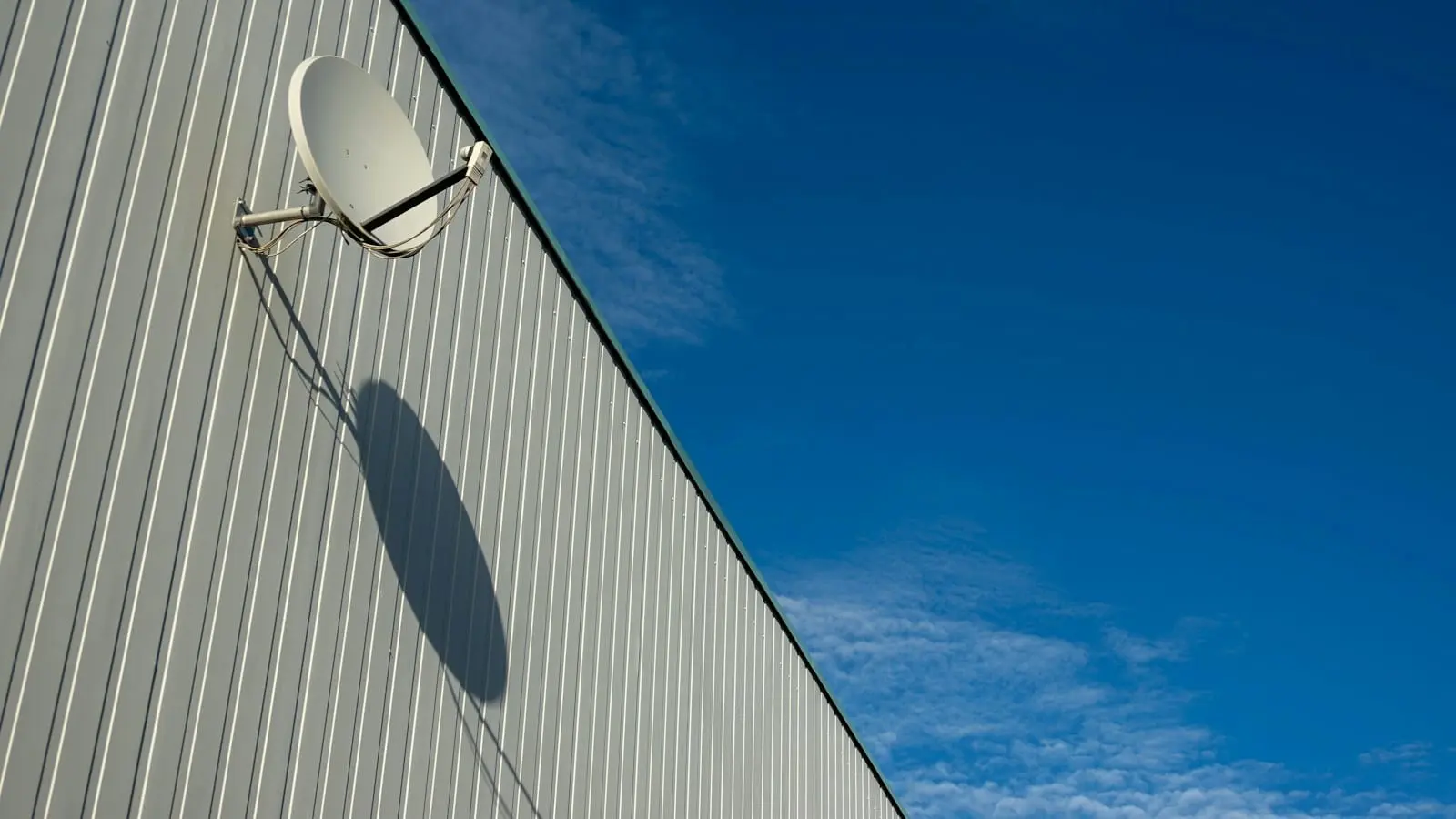
Cable TV runs over a physical line into the house, ending at a set-top box the provider supplies. Satellite TV comes down from orbit to a dish fixed on the roof or an outside wall, and a receiver indoors decodes it. Either way, the provider owns the route. A technician usually sets it up, the box stays tied to that address, and the channels you see are the ones that box is set up to decode.
That model has strengths: it doesn't depend on your internet, so a busy home network doesn't touch the picture. It also has limits. The service lives where the hardware lives, adding a room often means adding equipment, and moving house means moving the installation too.
How ReflexSat IPTV reaches your screen instead
ReflexSat IPTV sends live TV and on-demand titles as ordinary internet data. When you pick a channel, your player asks the server for that stream and plays it. There is no line dedicated to TV and no receiver to install, just three pieces:
- Your internet connection. We recommend at least 30 Mbps for HD.
- A device you own. A smart TV, a streaming stick, a phone, a tablet, a computer or a set-top box.
- A player app. ReflexSat IPTV has no app, login portal or APK of its own; it works with standard third-party players such as IPTV Smarters Pro, TiviMate, Perfect Player, Smart IPTV, SS IPTV, GSE Smart IPTV and nPlayer, depending on the device.
After payment, your login arrives by email: an M3U link, an Xtream Codes login and, for a MAG box, a portal URL, with setup steps for your device. You type those into the player, and the channel list loads.
IPTV vs cable TV, side by side
| Point | Cable or satellite (typical setup) | ReflexSat IPTV |
|---|---|---|
| How it arrives | A provider's line or a dish | Your existing internet connection |
| Equipment at home | Set-top box or receiver, plus a dish for satellite | No dish on the roof and no cable box |
| Installation | Often a technician visit | You add a login to a player app |
| Where you watch | At the address where it's installed | Anywhere your internet connection holds up, including outside the US |
| Screens | Depends on boxes and the package | 1 connection per plan; extra screens on request, quoted by the team |
| How you pay | Usually a monthly bill; check your contract | 1, 3, 6 or 12 months, paid once, no auto-renewal |
| TV guide | Built into the box | TV guide (EPG) included, shown in your player |
| What limits the picture | The provider's network | Your connection and device |
The left column is deliberately general. Packages differ a lot from one company to the next, so read your own terms before you cancel anything.
No dish on the roof and no cable box
The first change people notice is the hardware that disappears. With ReflexSat IPTV there is no dish on the roof and no cable box, and no appointment to wait in for. The devices that do the work are ones many homes have already:
- Samsung, LG and Sony smart TVs
- Fire TV Stick by Amazon
- Android phones, tablets and TV boxes
- iPhone and iPad
- MAG boxes
- Enigma2 receivers (Dreambox, VU+)
- Windows computers
If your TV is a few years old and has no suitable app store, a streaming stick plugged into an HDMI port is usually the simplest fix. Our setup guide lists the player for each device and the steps to sign in.
Screens, rooms and connections
Cable homes often think in boxes: one per TV. IPTV thinks in connections, meaning streams playing at the same moment. Each ReflexSat IPTV plan includes one connection. You can install a player on the living room TV, a phone and a laptop, and watch on whichever you like, as long as only one plays at a time. If two people want to watch different things at once, extra simultaneous screens are available; ask the team on WhatsApp for a quote.
Sharing an account outside your household isn't allowed under the terms, and service is for adults 18 and over.
Plans and paying: a set term instead of a monthly bill
Cable and satellite are usually billed month after month, sometimes under a contract with a fixed length. ReflexSat IPTV works on set terms instead: 1, 3, 6 or 12 months, paid once in US dollars, with no auto-renewal. Prices are $14.95, $29.95, $44.95 and $59.95, and the 12-month plan has the lowest cost per month. When a term ends, access stops; renewing is a new order on WhatsApp, and you can move up to a longer plan at any time.
Payment goes through a secure link to pay by credit or debit card (Visa, Mastercard, American Express). The refund policy is conditional: it covers a fault on our side that leaves the service unusable for 72 hours or more in a row, a duplicate charge, and first-time customers who ask within 7 days after trying to fix the issue with support. Details are on the ReflexSat IPTV pricing page and in the refund policy.
What you watch: channels, on demand and the guide
Every plan includes the same content: more than 25,000 live channels and over 100,000 movies and series on demand, topped up with new titles regularly. Channels come from the USA, Canada, the UK, Latin America, Europe, Asia and the Middle East, across sports, movies, news, kids' TV, entertainment and series. Picture quality is HD, Full HD or 4K where the source offers it, and the TV guide (EPG) shows what is on now and next.
If local programming is what keeps you on cable, note how it's handled here: local news and sports, grouped into packages by country and language. Before you cancel cable, check during your first month that the channels you rely on are there.
What depends on you after switching
Swapping cable for IPTV moves one responsibility to your side: the connection. A slow or crowded network shows up as a stalled picture, and the refund policy excludes internet that is too slow or unstable to stream. A few habits make a real difference:
- use a wired connection, or 5 GHz Wi-Fi if cables aren't an option
- turn on hardware acceleration in your player's settings
- set a larger buffer in the app (10–15 seconds on Android)
- stop other downloads and streams while you watch
If your home internet is unreliable, that's worth fixing before you drop cable, whichever service you choose.
Trying ReflexSat IPTV before you cancel cable
There is no free trial. The short way to try ReflexSat IPTV is the 1-month plan at $14.95, with the same channels, library and guide as the longer plans. A sensible order: keep cable running, take the 1-month plan, test it on the TVs you actually use at the hours you usually watch, then decide. More on that approach is on the trial page.
IPTV vs cable: frequently asked questions
How do I watch TV without cable?
You need an internet connection, a device such as a smart TV or streaming stick, and a service that streams live channels over the internet. With ReflexSat IPTV, you add your login to a third-party player and the channel list loads.
Is IPTV the same as cable TV?
No. Cable reaches you over a provider's own line and box; IPTV travels over your regular internet connection to an app. The channels can look similar on screen, but the delivery and equipment are different.
How can I get local channels without cable?
An indoor or rooftop antenna is one route; a service that streams local programming over the internet is another. ReflexSat IPTV includes local news and sports, grouped into packages by country and language; check the channels you need during your first month.
What is streaming TV?
TV delivered as data over the internet and played in an app, rather than through a cable line or a dish. IPTV is one form of it, centered on live channels with a guide.
Do I need a dish or a box for IPTV?
No dish and no cable box. A smart TV with a suitable player is enough; otherwise a streaming stick or an Android box does the job. MAG boxes and Enigma2 receivers work too. See the FAQ for device questions.
Choosing between ReflexSat IPTV and cable
ReflexSat IPTV vs cable isn't about one being better for everyone. Cable suits homes that want TV independent of their internet; IPTV suits homes with a solid connection that would rather skip the dish, the box and the monthly bill. If you're comparing cable alternatives, the low-risk test is the 1-month plan, and every term is listed on the ReflexSat IPTV pricing page.
Curious about ReflexSat IPTV?
At $14.95, the 1-month plan is the easiest way to see how it runs on your setup. Plans come in 1, 3, 6 or 12 months, each paid once. Not sure your device will cope? Message the team on WhatsApp first.
More from the blog
ReflexSat IPTV Buffering: How to Stop Freezing Streams
IPTV buffering or freezing? A step-by-step ReflexSat IPTV checklist: test your speed, fix Wi-Fi, adjust player settings and know when to message support.
Read the full post
ReflexSat IPTV TV Guide: Setting Up the EPG in Your Player
How the ReflexSat IPTV TV guide (EPG) works: where the EPG URL goes in your player, how to refresh it, and what to do when the guide stays empty.
Read the full post